ModbusLens

Everything you need to
talk to a Modbus device

Free Modbus TCP and RTU client for engineers working with industrial automation systems. Communication, live tag monitoring, trend graphing, a device simulator, and network diagnostics - in one tool.

Latest release Total downloads License
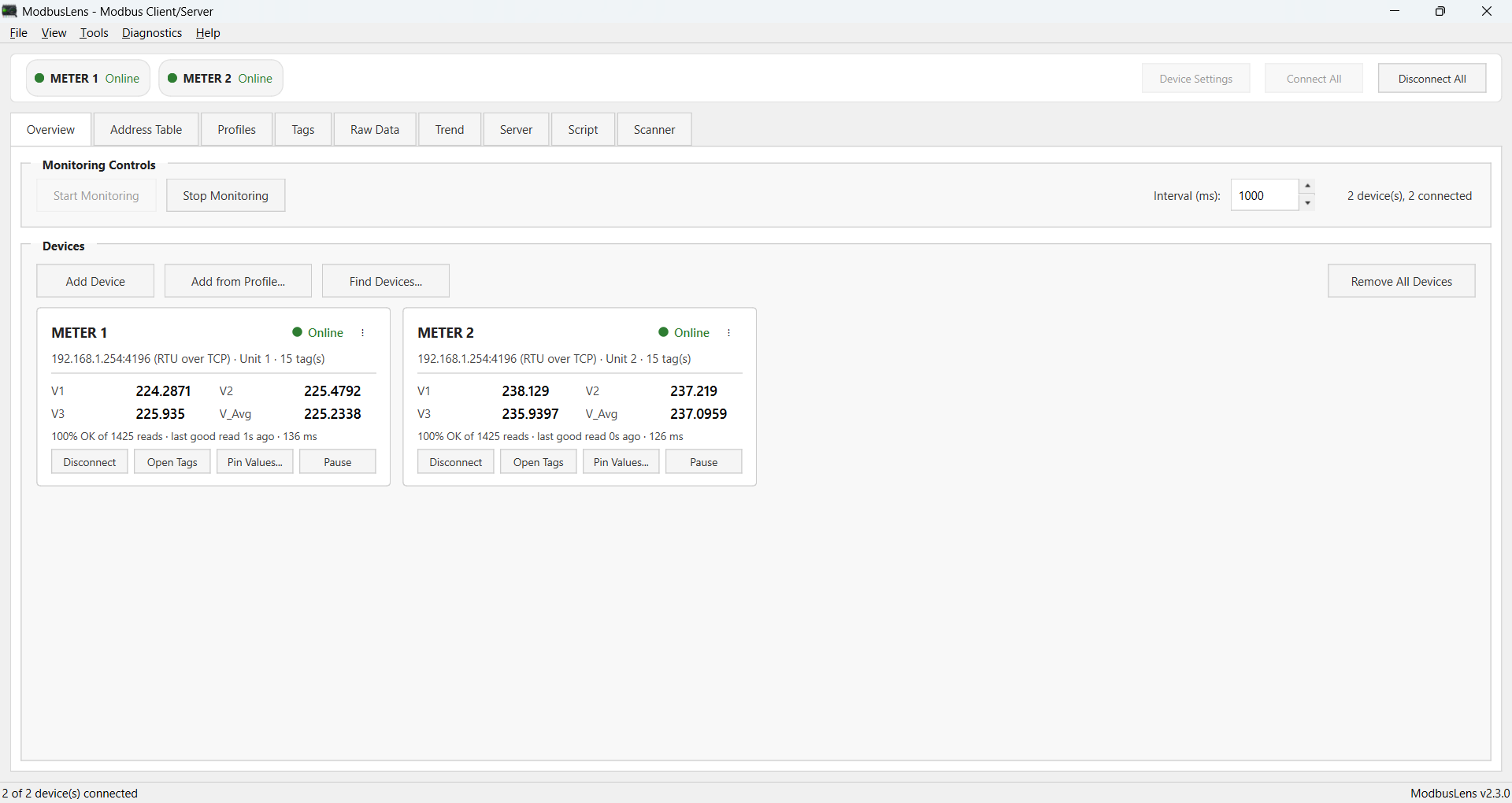
ModbusLens Address Table window reading live holding registers

What it does

COMMUNICATION

Modbus TCP & RTU

  • TCP or Serial (RTU/ASCII) client, multiple simultaneous connections
  • Auto-reconnect with backoff, monitoring resumes on its own
  • Fast LAN Mode for quick failure detection over TCP
  • Save/Load a full session, or just Tags via CSV

DATA HANDLING

Decode it your way

  • BOOL, U16/S16, U32/S32/F32, U64/S64/F64, HEX
  • Word-order swap handling for 32- and 64-bit formats
  • 0-based or 1-based addressing, per range or per tag
  • Raw hex shown alongside every decoded value

MONITORING

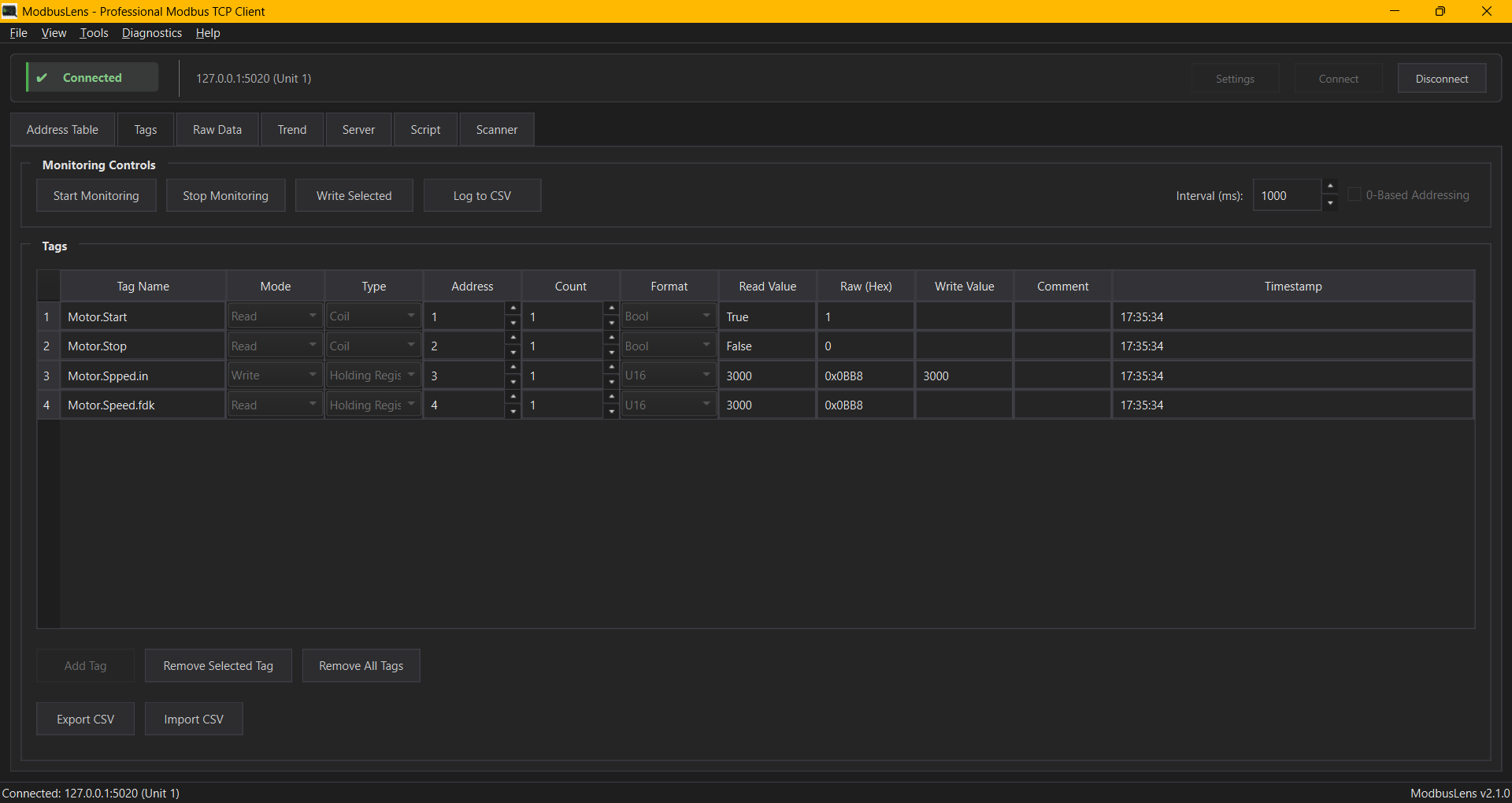
Live tag monitoring

  • Read/Write/Timestamp, alarms, and engineering-unit scaling in one table
  • Drag-and-drop reorder, multi-select Write Selected / Write All
  • Per-tag Enabled toggle, column show/hide and reorder
  • Log live values to CSV

DIAGNOSTICS

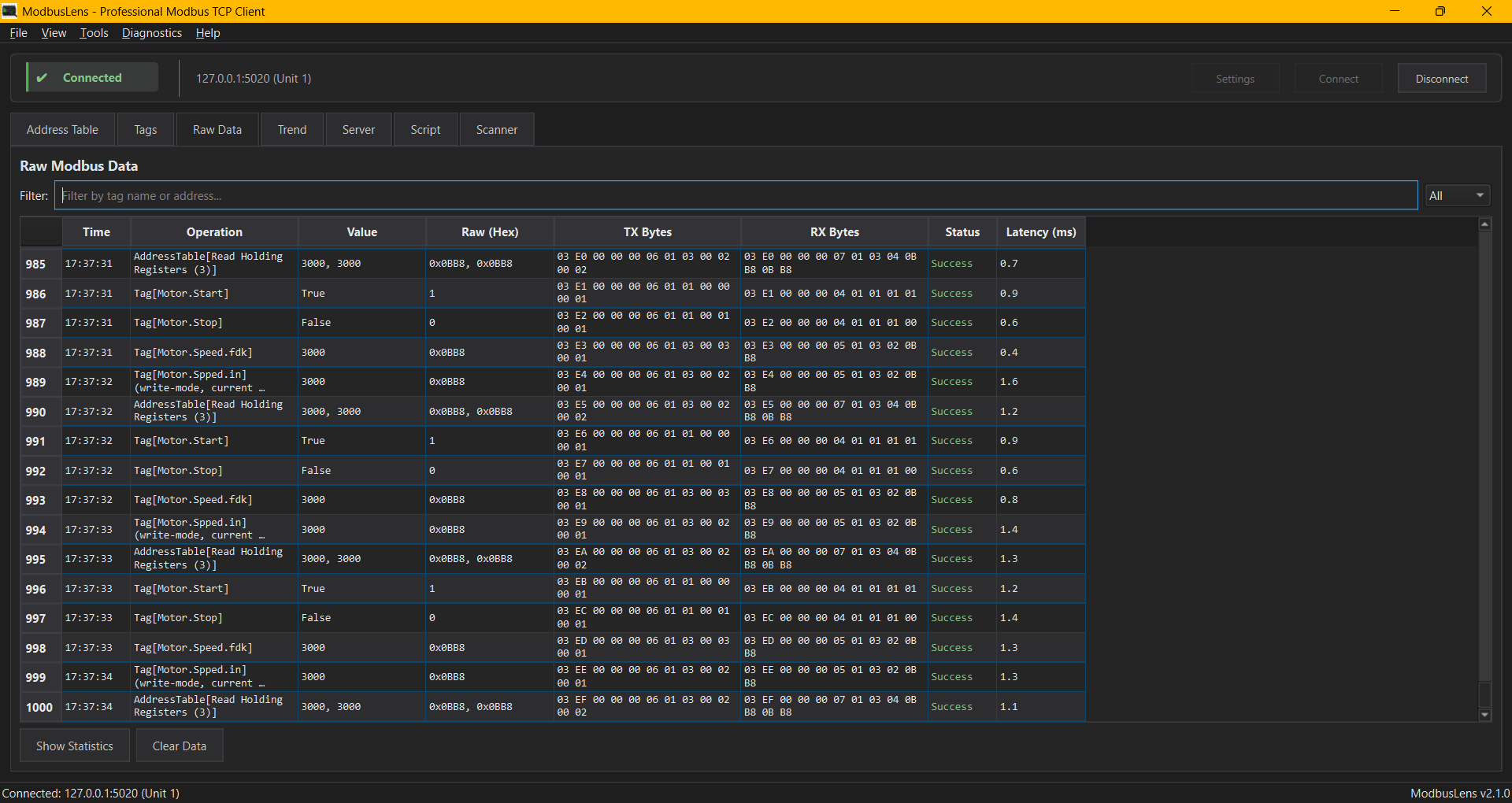
Raw Data

  • Every transaction logged - time, value, hex, success/failure, latency
  • The actual TX/RX bytes off the wire, not just decoded values
  • Live filtering plus a full statistics breakdown

TRENDING

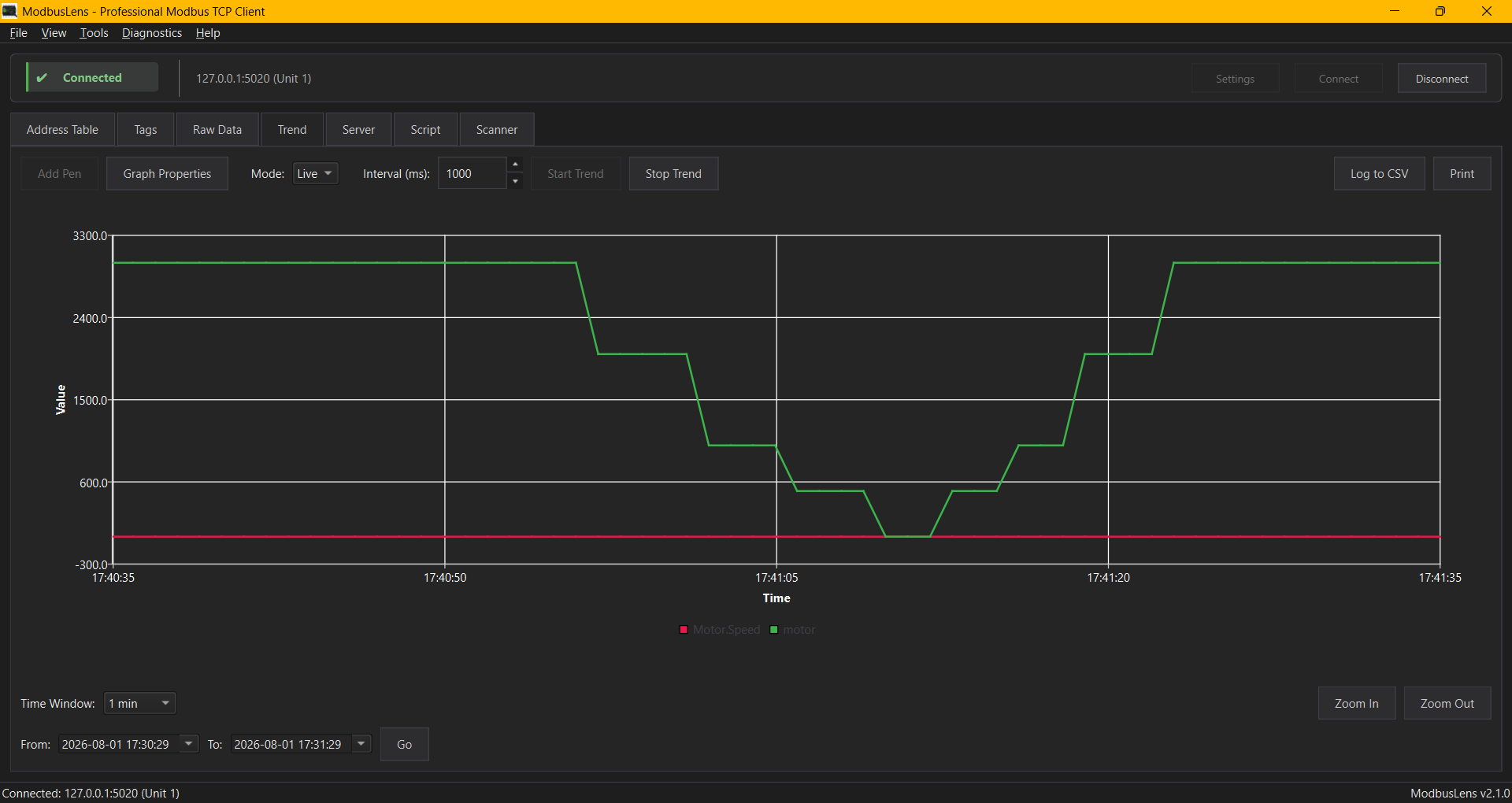
Trend graphing

  • Up to 20 pens, picked straight from your Tags list
  • Detachable window, zoom/pan, live crosshair and stats
  • Record a session and replay it later at 1x-8x speed

SIMULATION

Server mode

  • Act as a Modbus TCP slave for testing your own SCADA/PLC program
  • Coils, discrete inputs, holding & input registers all editable live

AUTOMATION

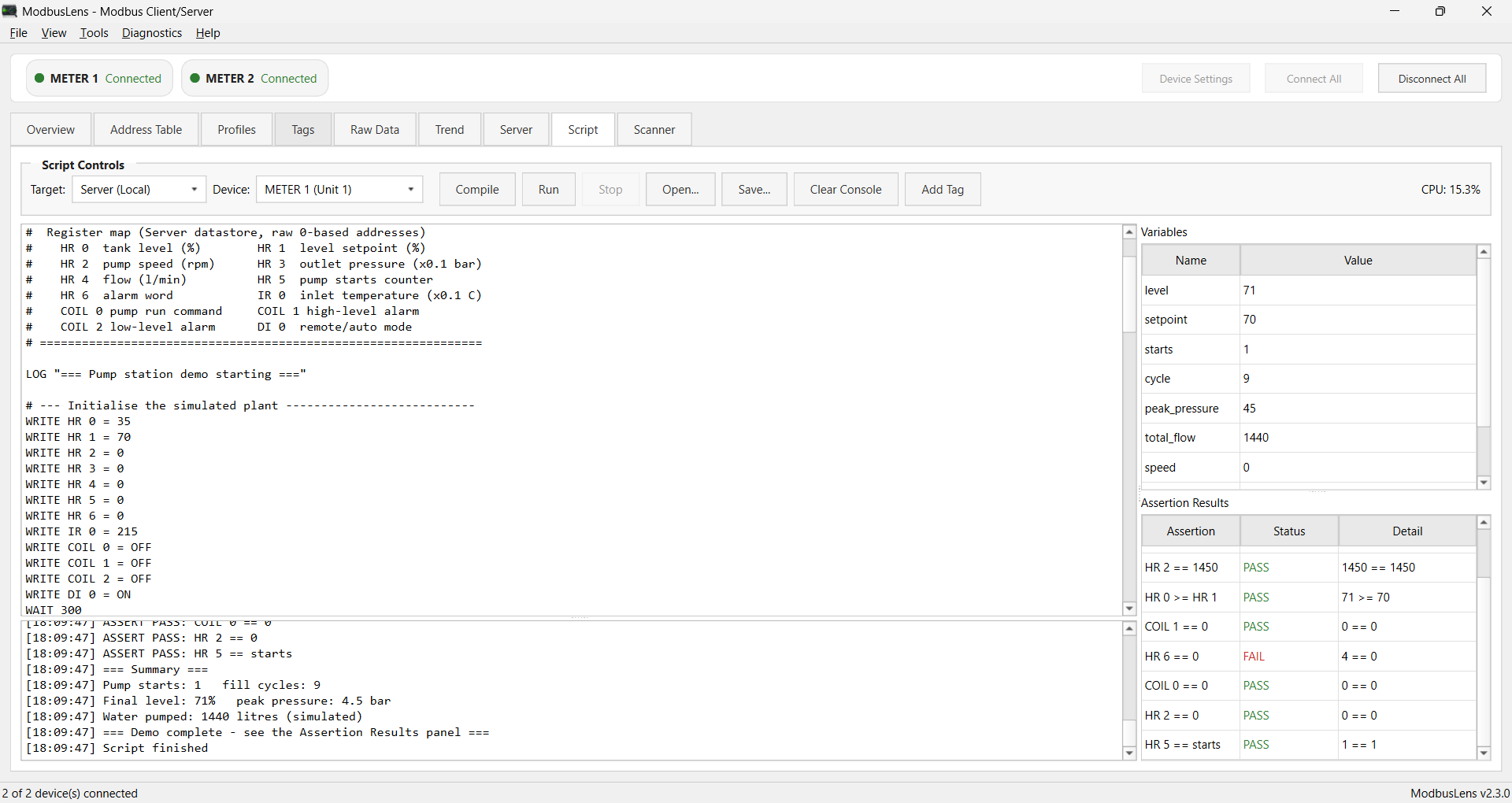
Scripting

  • Purpose-built test-sequence language - no imports, no exceptions to write
  • WRITE, READ, WAIT, LOG, LET, REPEAT, IF, and a live Variables panel
  • Target a real connected device or the built-in Server simulator

NETWORK

Network diagnostics

  • Fast parallel TCP discovery scan, sized to your real subnet
  • Optional ARP mode (MAC/vendor lookup) and packet capture via Npcap
  • Optional Unit ID sweep (1-247) per discovered host to report which IDs respond
  • Unified Find Devices panel: TCP scan and serial parameter sweep share one results table

SERIAL

Serial discovery

  • Sweeps baud/parity/stop-bit combinations and Unit ID range to find an undocumented device's settings
  • Jump straight in from Connection Settings' Serial section with the COM port already filled in

COMPLIANCE

Diagnostic functions

  • FC07, 08, 11/12, 17, 20/21, 22, 24, and 43 in one function picker
  • For compliance and interop testing beyond basic read/write

SCANNING

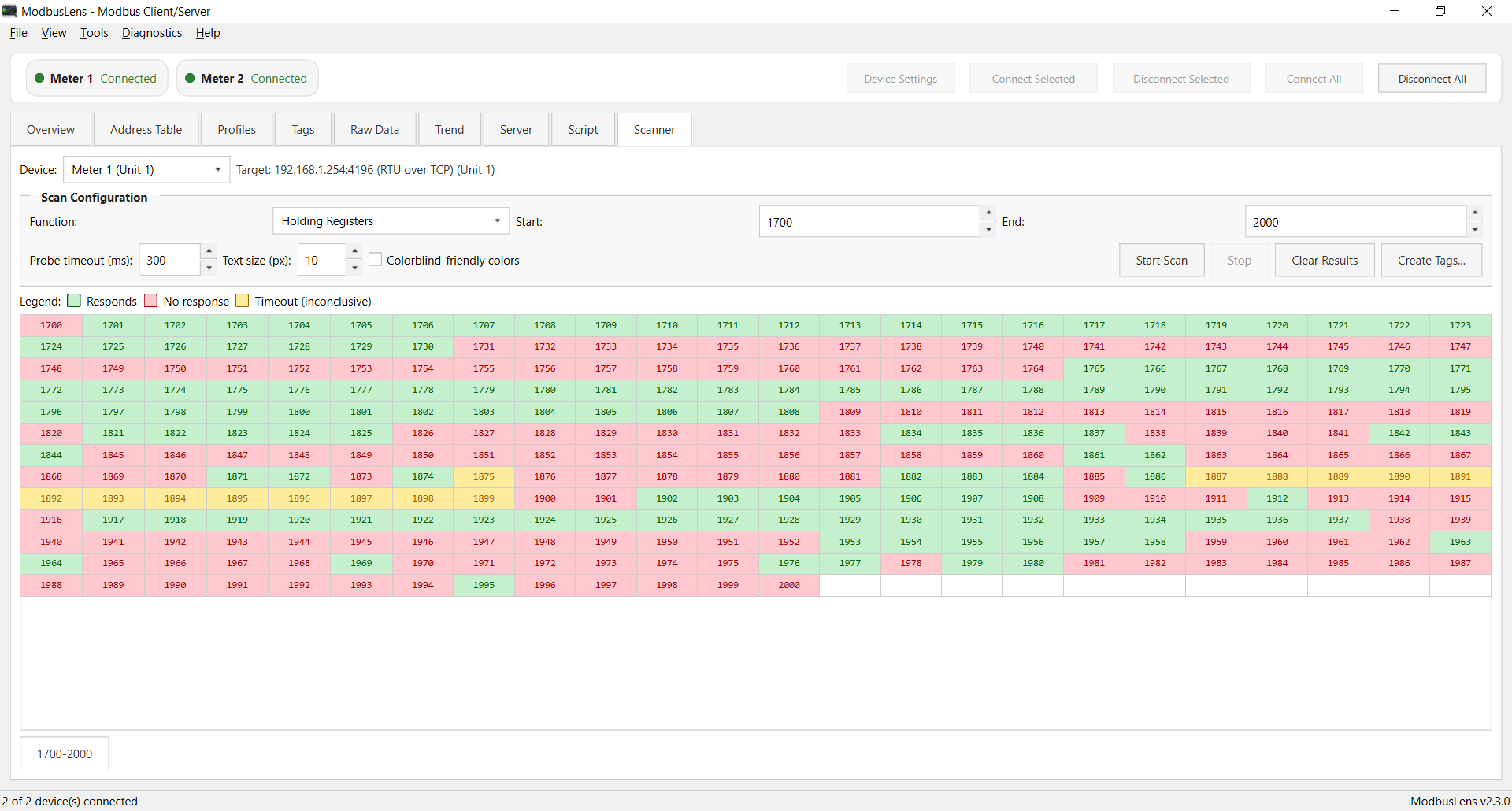
Register scanner

  • Auto-discovers which addresses respond for Coils, Discrete, Holding, or Input Registers
  • Works the same way over TCP or serial

INTERFACE

Built for the job

  • Light / Dark / Follow System theme
  • Color-coded logs, compact connection bar, focused workspace
  • Built-in update checker against GitHub Releases

How it compares

Most classic Modbus tools split the job across separate master/slave apps with no discovery, scripting, or trending built in. ModbusLens keeps it one tool. Feature availability shown for other tools reflects their publicly documented capabilities as of this writing - always verify against their current release before relying on it.

Feature ModbusLens Modbus Poll + Slave ModScan Simply Modbus QModMaster
Modbus Client (Master)
Modbus Server (Slave), same app✔ built-in⚠ separate app⚠ separate app⚠ separate app
Raw Data / Frame Viewer (wire bytes, exception decode)⚠ basic log
Trend Graphing & Record/Replay✔ advanced⚠ basic
Built-in Test Scripting (WRITE/READ/WAIT/IF/REPEAT/ASSERT)
Network + Serial Device Discovery
Full Session Save/Load (connection, tags, ranges, write bounds)⚠ partial⚠ partial
Free & Open Source✖ paid✖ paid✖ paid
Unified Single Application⚠ master only

✔ full support · ⚠ partial/limited · ✖ not available

Screenshots

Raw Data view
Tags monitoring
Trend graphing

Download ModbusLens

Get the latest version   for your platform

Get ModbusLens

Download Installer Download Portable EXE

Installer recommended - the portable exe can fail to start on some machines (non-ASCII Windows usernames, or antivirus interfering with how it unpacks itself).

System Requirements

  • Windows 10 or newer, 64-bit
  • Admin rights for the installer (one UAC prompt during setup)
  • Npcap - optional, only needed for ARP-based discovery and packet capture